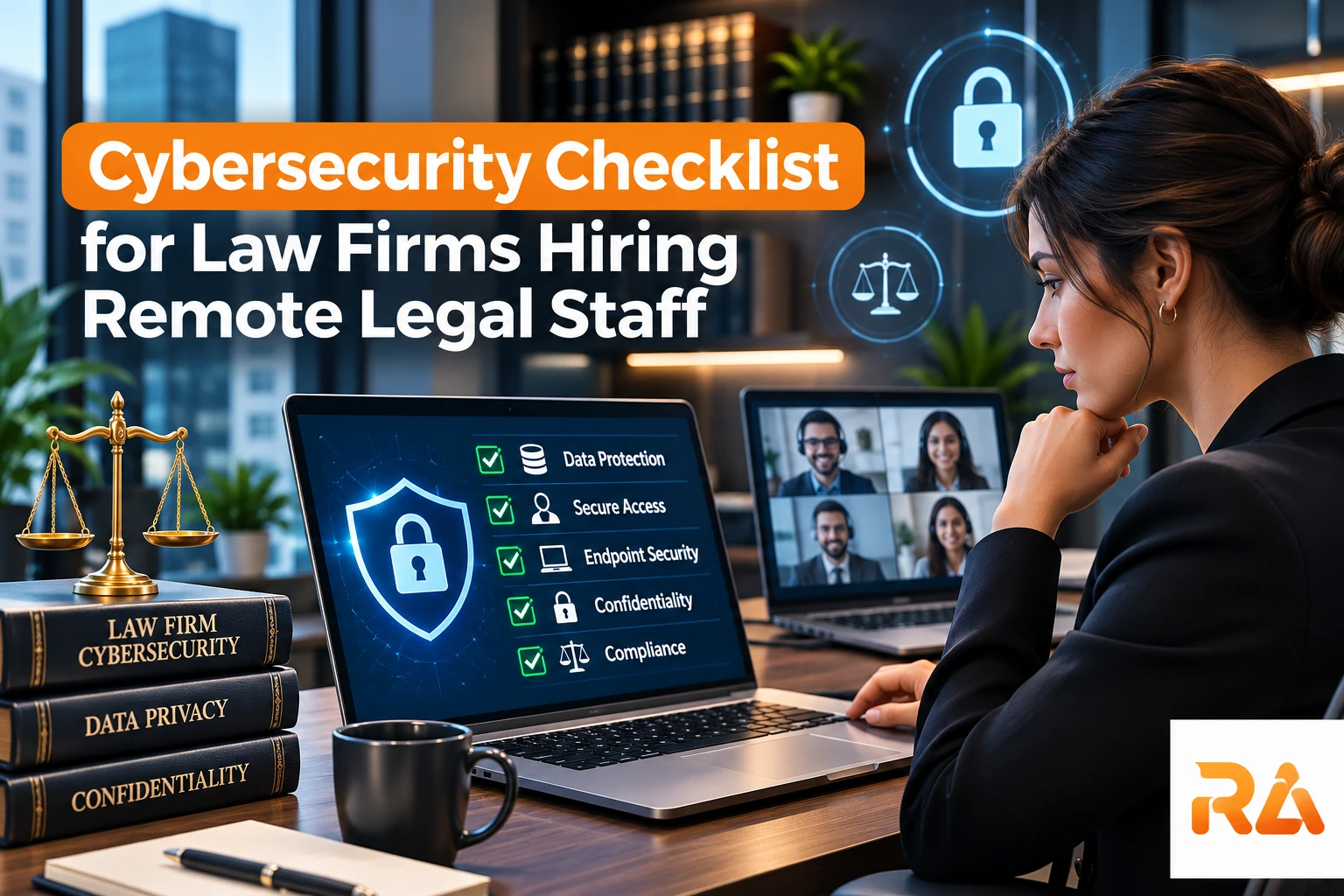
A cybersecurity checklist is now a baseline requirement, not an optional upgrade, for firms adding remote legal staff. Client confidentiality obligations under Model Rule 1.6 and the competence duty under Model Rule 1.1 do not pause because a paralegal or attorney works from home or from another country.
This checklist covers the controls that matter most when legal work moves outside the firm's own network.
The Quick-Reference Cybersecurity Checklist
Use this as the scannable version. Each item is covered in more detail further down, but this is what to confirm before a remote hire's first day.
Devices and Access
- Firm-issued or MDM-enrolled device required
- Multi-factor authentication enforced on every system
- Full-disk encryption enabled by default
- Unique login credentials, no shared accounts
Network and Data
- VPN or zero-trust access required for any file access
- No client files accessed over unsecured public Wi-Fi
- Data retention and deletion plan confirmed for when the placement ends
Vendor and Contract
- Signed, legal-specific confidentiality agreement on file
- Staffing vendor's security practices documented in writing
- Annual review scheduled, not a one-time check
The Ethics Obligation Behind Remote Security
ABA Formal Opinion 483 and Reasonable Safeguards
The ABA's Formal Opinion 483 guidance requires "reasonable efforts" to prevent unauthorized access to client information, a standard that applies regardless of where staff are physically located. Firms are expected to document their safeguards, not just claim them.
Why This Matters More With Distributed Teams
Every additional device, network, and location touching client data expands the firm's attack surface. A clear checklist keeps that expansion from turning into unmanaged risk.
Competence Includes Technology Competence
Model Rule 1.1's duty of competence has been interpreted by most states to include a baseline understanding of the technology used to handle client matters. That duty doesn't disappear when the technology is managed by a remote staffing vendor rather than the firm's own IT department.
In practice, this means supervising attorneys need enough visibility into how their remote staff's devices and access are secured to answer basic questions about it, rather than treating the vendor's security practices as a black box they never need to understand.
Meeting Broader Compliance and Regulatory Obligations
ABA Formal Opinion 483 is the ethics floor, but it is rarely the only requirement a firm is working against once remote staff and outside clients are involved.
Client Security Questionnaires and Cyber Insurance
Corporate clients, insurers, and some government contracts now require firms to complete a security questionnaire or maintain cyber liability coverage before work begins. These often ask for the exact controls in this checklist, MFA, encryption, incident response, documented in writing, which is easier to produce when the policy already exists rather than drafted under deadline.
State Bar and Breach Notification Rules
Beyond the ABA's model rule, individual state bars can add their own technology-competence or confidentiality requirements, and nearly every state has its own data breach notification law with different timelines and triggers. A firm operating across state lines should confirm its incident response plan accounts for the strictest notification deadline it could face, not just its home state's rule.
Borrowing Structure From Recognized Security Frameworks
Law firms are not required to adopt a formal security framework, but many use the NIST Cybersecurity Framework's five functions, identify, protect, detect, respond, and recover, as a structure for organizing the checklist items here. It gives a non-technical managing partner a way to see which category a gap falls into, rather than a flat list of unrelated tasks.
Device and Access Controls
Firm-Managed Devices vs. Personal Devices
Firm-issued, centrally managed devices are the safer default. If personal devices are allowed, they should be enrolled in mobile device management so the firm can enforce encryption and remote wipe if needed.
Multi-Factor Authentication on Every System
- Case management and document management software
- Email and calendar systems
- Trust-accounting and billing platforms
- VPN or zero-trust network access tools
Network and Data Handling Requirements
Secure Connections Over Public Wi-Fi
Remote staff should never access client files over unsecured public networks without a VPN or equivalent encrypted tunnel. This should be written into the firm's remote work policy, not left to individual judgment.
Document Handling for Sensitive Matters
Firms handling healthcare or financial clients should confirm their remote staff policies also satisfy HIPAA-level expectations. Our HIPAA compliant attorney placements are vetted specifically for this standard.
Data Retention and Deletion When a Placement Ends
Firms often focus their security planning on the active engagement and overlook what happens when a remote staffing arrangement ends. Device access, cloud storage permissions, and any locally cached documents should all be revoked and confirmed deleted as part of an offboarding checklist, not handled informally after the fact.
This matters just as much for a short-term contract placement as it does for a long-term hire client confidentiality obligations don't scale down because the engagement was brief.
Vetting a Remote Staffing Partner's Security Practices
Questions to Ask Before Signing
- Are background checks and confidentiality agreements standard for every placement?
- Does the provider enforce MFA and encrypted device policies for its staff?
- Can the provider document its security practices in writing for your file?
Confidentiality Agreements Are Not Optional
Beyond device and network security, every remote placement should be backed by a signed confidentiality agreement specific to the engagement, not a generic template reused across unrelated industries. A legal-specific confidentiality agreement should reference the firm's duty of client confidentiality directly, so the remote professional understands the obligation isn't just a standard corporate NDA.
Build Security Into the Staffing Contract
Firms working with a virtual freelance paralegal or remote attorney should require these controls as contract terms, not informal assurances.
Reviewing Security Practices on an Ongoing Basis
Security vetting shouldn't stop once a placement is signed. Threats evolve, and a staffing partner's practices should be revisited periodically rather than assumed to still match whatever was true at the start of the relationship. An annual check-in on device policy, MFA enforcement, and incident response procedures keeps the firm's own compliance posture current rather than resting on a one-time assessment.
Cybersecurity Guidance for Small and Solo Firms
A solo attorney or a five-person firm faces the same ethics obligations as a large firm, without an in-house IT department to meet them. The FTC's small business cybersecurity basics are written for exactly this situation, and most of it translates directly to a small legal practice.
Low-Cost Controls That Cover the Basics
A free authenticator app, built-in device encryption already present on most modern laptops, and a password manager cover the majority of the "reasonable efforts" standard without a dedicated security budget. The gap for small firms is usually not cost, it is that no one has made these settings mandatory in writing.
The Most Common Small-Firm Blind Spot
Small firms often secure their office network carefully while leaving remote and after-hours access on personal devices unmanaged, the opposite of where a remote hire actually introduces risk. If a paralegal or contract attorney is working from a personal laptop with no MFA and no encryption, the firm's office-based security does not cover that gap at all.
When to Outsource Instead of Hire
A managed service provider that specializes in small professional practices can typically implement and monitor this checklist for less than the cost of a part-time IT hire, and is usually the more realistic option for a firm under about 15 attorneys.
Assessing and Mitigating Cybersecurity Risk
A checklist tells a firm what controls to put in place. A risk assessment tells it which gaps matter most right now, which is especially useful when a firm cannot fix everything on the same day a remote hire starts.
Start With What Remote Access Actually Touches
List the systems a given remote role can reach, case files, trust accounting, email, client portals, and rank them by sensitivity. A billing specialist and a contract attorney reviewing discovery documents do not carry the same risk profile, and their access controls shouldn't be identical either.
The Threats Specific to Distributed Legal Teams
Phishing aimed at remote staff, unmanaged personal devices, and lost or stolen hardware outside a secured office account for most incidents involving remote legal work, more so than sophisticated attacks on the firm's own servers. Mitigation should be weighted accordingly, phishing-resistant MFA and device management close more real risk than a bigger firewall.
Reassess When the Work Changes, Not Just Annually
A remote paralegal moving from document review to handling trust disbursements, or a firm adding its first offshore hire, changes the risk profile immediately. The annual review covers routine drift, but a role or access change should trigger its own quick reassessment rather than waiting for the scheduled check-in.
Frequently Asked Questions About cybersecurity checklist for law firms
Is remote legal work less secure than in-office work?
Not inherently. Risk comes from unmanaged devices, weak authentication, and unsecured networks all of which are controllable with a documented security policy.
Does ABA Formal Opinion 483 require specific software?
No. It requires "reasonable efforts," which is assessed based on the sensitivity of the data and the firm's resources, not a single mandated technology stack.
Should remote legal staff use firm-issued laptops?
This is the safer practice, since it lets the firm enforce encryption, patching, and remote-wipe capability directly.
What cybersecurity measures are required for remote legal staff?
At minimum: multi-factor authentication on every system, encrypted connections (VPN or zero-trust access), managed or MDM-enrolled devices, and a documented remote work security policy.
Is a VPN required for remote legal work?
Not strictly by law, but it is considered a baseline "reasonable effort" safeguard under ABA guidance whenever staff access client files over any network outside the firm's own office.
What is multi-factor authentication and why does it matter for law firms?
MFA requires a second verification step beyond a password, such as a code or app approval. It matters because stolen passwords alone are the most common cause of unauthorized access to client data.
How should law firms vet a remote staffing vendor's security practices?
Ask whether the vendor runs background checks, enforces MFA and device encryption for its staff, and can provide written documentation of its security practices for the firm's own compliance file.
What happens if a law firm has a data breach involving client files?
Firms generally must notify affected clients, may face bar reporting obligations depending on the state, and should expect the incident to be judged against the "reasonable efforts" standard in ABA Formal Opinion 483.
What encryption standard should law firms require for remote access?
At minimum, full-disk encryption on devices and TLS-encrypted connections for data in transit; firms handling healthcare or financial clients should confirm encryption meets HIPAA-level expectations as well.
Who is liable if a remote contractor causes a data breach?
Liability typically still rests with the firm under its duty of confidentiality, which is why vetting a staffing partner's security practices and contract terms in advance matters so much.
What should a small law firm's cybersecurity checklist include?
The same core controls as any firm, MFA, encryption, a documented remote work policy, scaled to low-cost tools like free authenticator apps and built-in device encryption rather than enterprise security software.
Does cyber insurance require a formal cybersecurity checklist?
Most cyber insurance applications ask firms to confirm specific controls, such as MFA and encryption, in writing. Having a documented checklist already in place makes underwriting faster and can affect the premium offered.
What cybersecurity framework should law firms follow?
No framework is legally required, but many firms organize their controls around the NIST Cybersecurity Framework's five functions, identify, protect, detect, respond, and recover, as a simple way to structure the checklist.
How do law firms assess cybersecurity risk from remote staff?
Start by listing which systems a given remote role can access and ranking them by sensitivity, then weigh common remote-work threats, phishing, unmanaged devices, lost hardware, more heavily than rare, sophisticated attacks.
Add Remote Staff Without Adding Risk
Security-Vetted Legal Staffing
Every professional placed through Remote Attorneys works under documented confidentiality and device-security standards built for legal work specifically.
Talk to Our Legal Staffing Agency
Our legal staffing agency can walk your firm through the access-control setup for any new remote hire.